We are committed to building and providing helpful resources to our clients and community.
We want to empower folks we work with to effectively create, build, and promote their brand + website. Whether you are looking to DIY, hire a trusted professional, or effectively communicate with your designer or developers, we've got something to help.
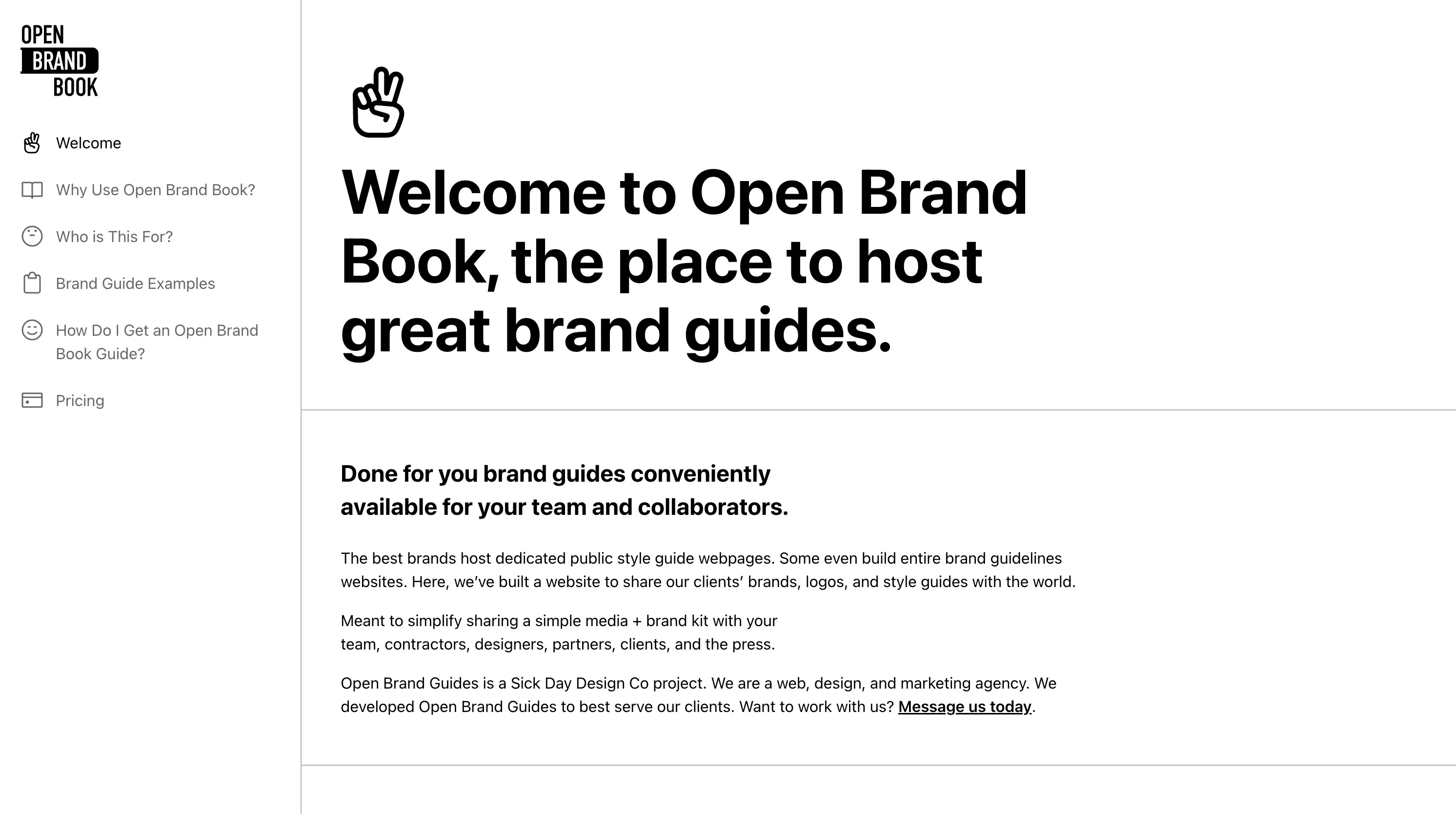
Open Brand Book
Proprietary Brand Management Project
Done for you brand guides / press kits conveniently available online for your team and collaborators. We built Open Brand Book to better serve our clients by maintaining consistent branding across the web, print, and media.
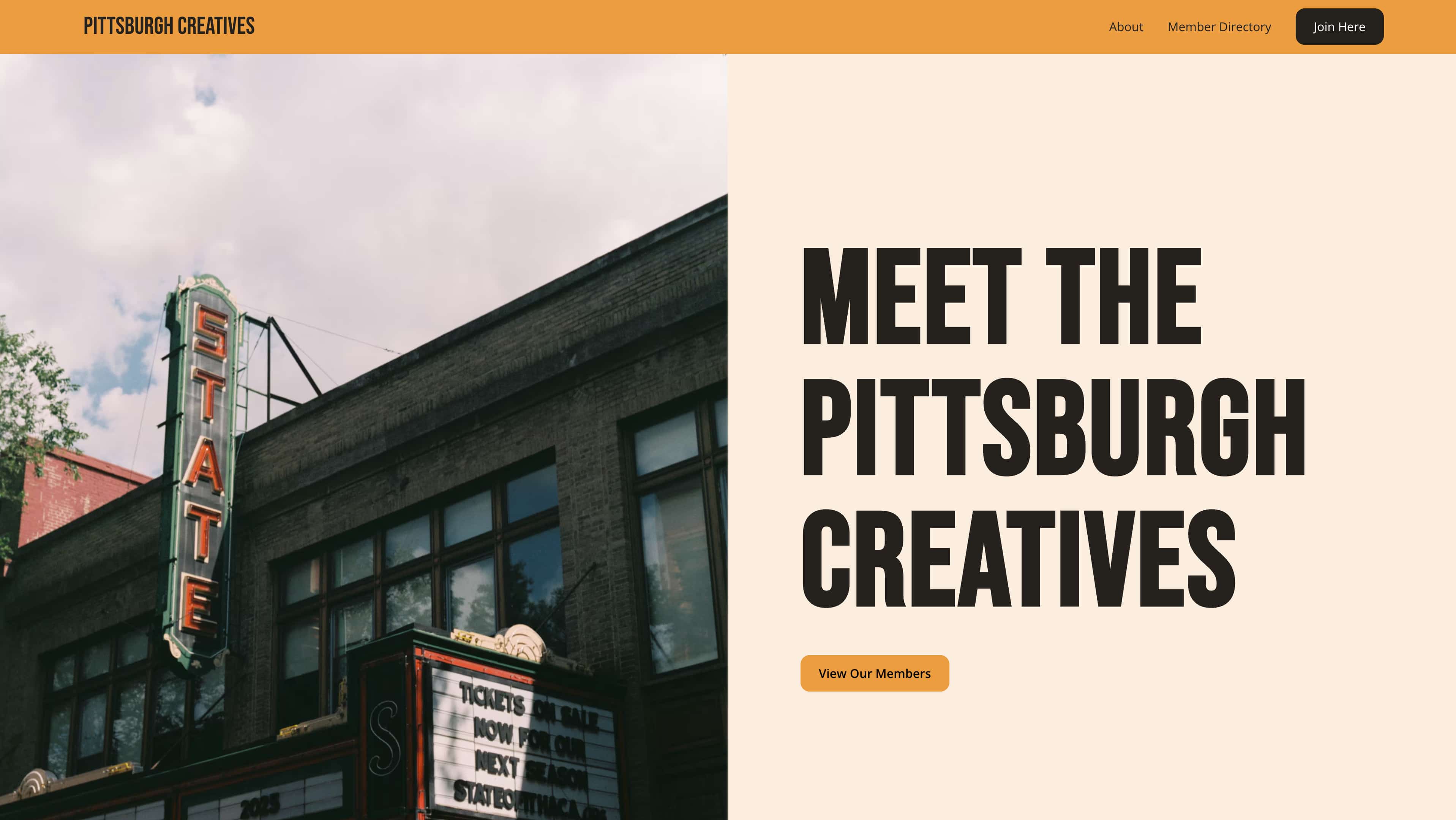
Pittsburgh Creatives
Creative Service Providers Referral Directory
We built a small, carefully curated directory of creative professionals working in and around Pittsburgh. Pittsburgh Creatives is designed to highlight some of our skilled friends and folks we love working with.
https://www.pittsburghcreatives.com/
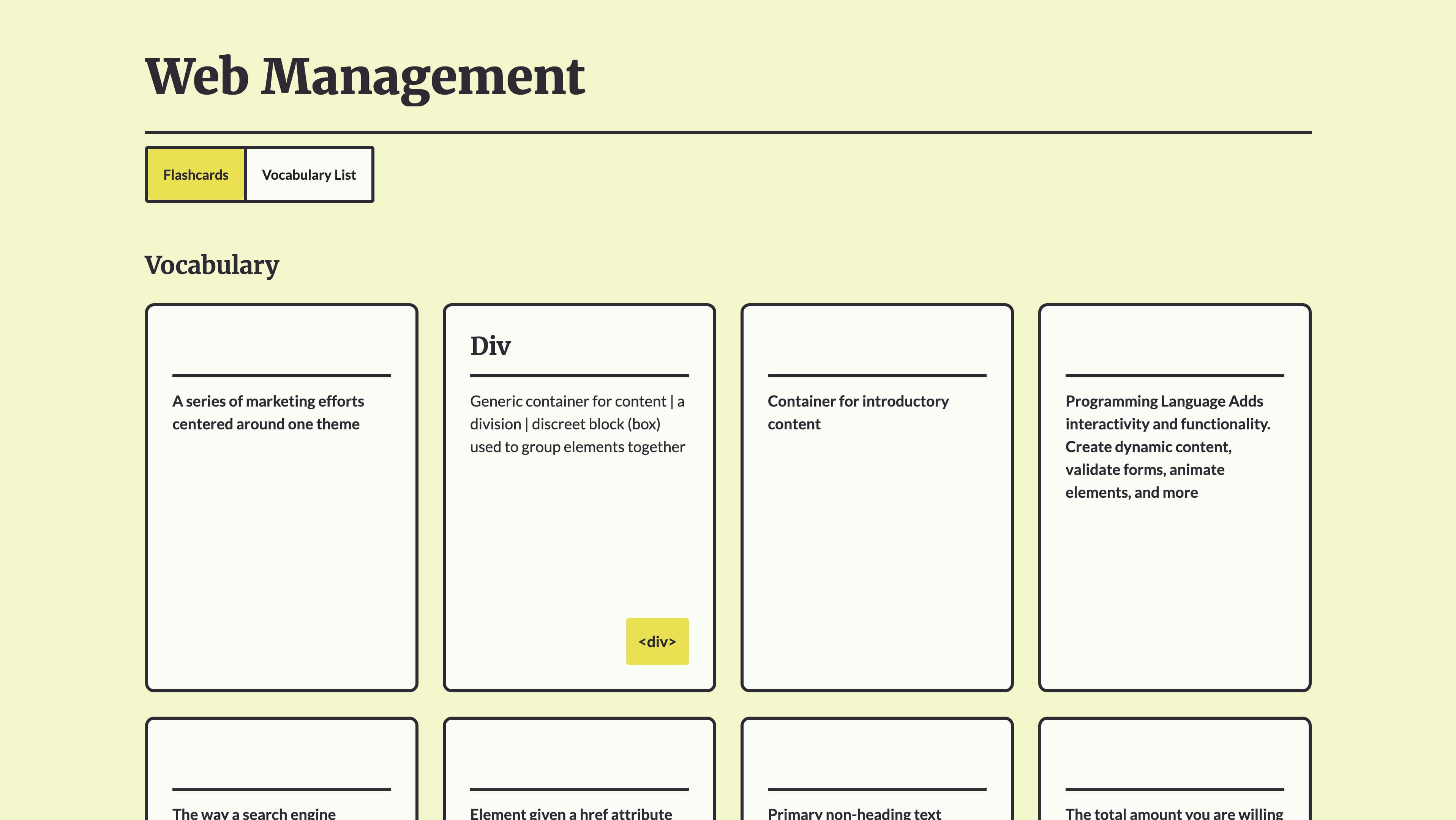
Web Management Course
John teaches a digital marketing course focused on designing, building, maintaining, and managing websites for entrepreneurs, small businesses, and non-profits. The Web Management Course website hosts relevant vocabulary, illustrations, and written lessons to help beginners learning web design and no-code development.
https://www.webmanagementcourse.org/
Platforms
These are the platforms we use or recommend for design and no-code development.
Web Design and Development
- Webflow
- No-code and low-code web design and development platform with integrated high quality hosting and CMS.
- Webflow is best suited for brochure style marketing sites but can be utilized for more complicated websites as well.
- We utilize Webflow as our dedicated web design and development environment at Sick Day.
- https://webflow.com/
- Wordpress
- Another great option. Ubiquitous on the web. Ideally suited for blog-centric or content-focused web projects.
- Coding needed for custom themes.
- Shopify
- Best for ecommerce stores. Requires coding in their proprietary language to customize or build your own themes.
Graphic Design and Brand Design
- Adobe Creative Cloud
- We reluctantly use Adobe's suite of applications on a daily basis [specifically Illustrator, Photoshop, and Adobe Stock Images] in our work daily. If you're just getting started or not already locked in to the Adobe ecosystem, try Affinity for a low cost solution. Adobe tools are powerful and industry-standard, but they are very expensive. They can no longer be purchased outside a recurring monthly or annual license subscription.
- Affinity
- Affinitiy is an all-in-one creative application. It's a desktop app that combines functionality similar to Adobe Illustrator, Adobe Photoshop, and Adobe InDesign. It does not boast all THEfeatures, but it's FREE. If we were starting in design today we would most likely work in Affinity.
Hardware
Our recommended hardware and platforms for folks starting in web design, brand design, and digital marketing [as of Q1-Q2 2026]. These are tools that our team uses day-to-day.
Laptops
- Refurbished Apple M1 Pro and M1 Max Macbook Pro 16
- The M1 pro and max chipsets are still plenty powerful for designers and developers working in web development, 2D Graphics, and most video (we can't speak to capability for 8k editing).
- Excellent screen, great performance, good onboard microphone and webcam, excellent speakers
- Get the 16" screen size [especially if you are often working without an external monitor] to ensure you have enough screen real estate for your design and development interfaces.
- 2021 released M1 macbook pros are still very capable and offer significant price savings for beginners and hobbyists.
- We typically shop BackMarket's "Good" Condition level and have had positive experiences.
- Apple M4 pro and M4 max Macbook Pro 16
- On a bigger budget, these are great machines. Just make sure you step up the RAM to 24GB minimum (if you are buying a 14" model). We recommend at least 36GB and preferably 48GB RAM
- New on apple.com.
- Used on Apple's refurbished shop. Apple Certified Refurbished is great, but they don't offer older models or that much savings.
- Apple M4 Macbook Air
- We don't have too much experience with Air Models for professional work. Newer models (2023-) offer pretty good specs, but the base models typically don't offer enough RAM or storage for us to recommend. Stepping up on the specs brings it closer to the price point of the recommended models above
- We don't have too much experience with Air Models for professional work. Newer models (2023-) offer pretty good specs, but the base models typically don't offer enough RAM or storage for us to recommend. Stepping up on the specs brings it closer to the price point of the recommended models above
- Key Laptop Specs
- 32 GB + RAM
- We do not recommend 16 GB RAM models. Though the Apple Silicon chips are very efficient with RAM and swap on the SSD, we experienced throttling on our workloads even on 24 GB systems.
- M1 Pro Chip is good enough for our work and we don't find the M1 Max chips needed.
- 500 GB Storage is probably enough if you're just getting started. We recommend 1TB.
Monitors
- ThinkVision 27 inch Monitor - P27u-20
- We've been using this monitor with built-in Thunderbolt dock for years. I rarely see this monitor recommended for designers, but I love it. Great colors, great ergonomics, excellent resolutioon, and excellent port selection. 4K is enough resolution at 27" in our experience. The contrast ratio could be better.
- Available on Lenovo.com as of this writing. I frequently find it for sale ~ $600. We would not pay the list price, $884. You may want to wait for a sale or consider a newer model.
- Key Monitor Specs
- Minimum 27" external monitor size recommended
- 4k or 5k resolution is ideal
- Look for wide color gamuts (ex. > 95% DCI-P3, > 95% Adobe RGB, and100% sRGB)
- Color accuracy rating with Avg Delta E < 2
- Expect to pay $500-$1,000 for a quality entry level monitor
- Other Great Monitors to look for
- BenQ's designer line monitors are a good option. These models are well suited to match colors with Mac devices: https://www.benq.com/en-us/campaign/monitor-for-mac.html
- Asus ProArt line is well regarded and has good specs
- LG's newer 32" UltraFine 6k display looks amazing but is outside our price range. We have always been impressed by LG panel quality.
DIY Tools and Reference
- Webflow
- Mobile Friendly Testing
- Responsive Design
- Forms
- Domains and DNS
- Planning and Design
- Design References
- Free Stock Images: https://www.pexels.com/
- Placeholder Text: https://loremipsum.io/
- Placeholder Logos: https://logoipsum.com/
- Color Palettes: https://coolors.co/
- Web and Logo Design Inspiration:
- Colors
- Client First Design System
- Reference: https://finsweet.com/client-first/docs/intro
- Cloneable: https://finsweet.info/client-first-cloneable
- Webflow Templates and Components
- Component Libraries: https://webflow.com/libraries
- Made in Webflow Components: https://webflow.com/made-in-webflow/component?cloneable=true
- Third Party Component Library: https://library.relume.io/
- Animation
- Accessibility
- W3C works to develop web standards: https://www.w3.org/WAI/WCAG21/Understanding/
- WebAim Color Contrast Checker: https://webaim.org/resources/contrastchecker/
- Page Layout Reference (with Flexbox and Grid)
Get started today
Get in touch with our Pittsburgh-based team to discuss your project.